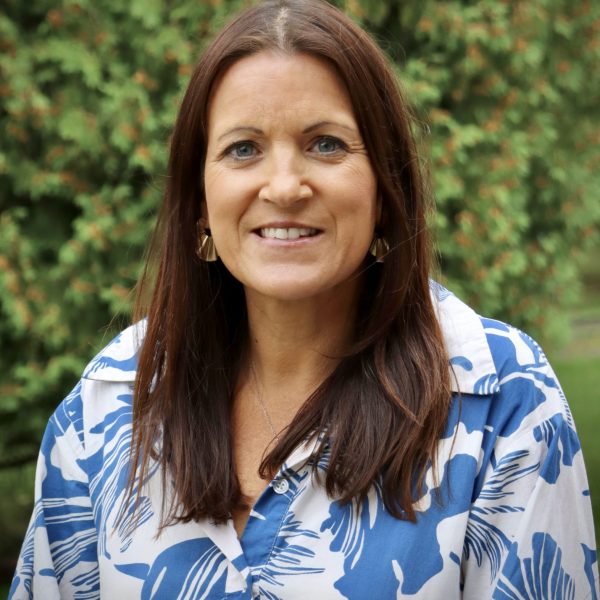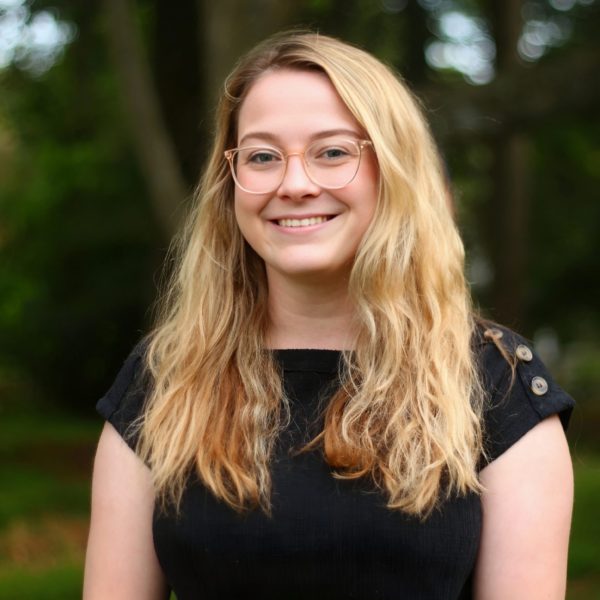
These blocks are custom to your Devon Prep theme and are used to display content from the “People / Person” custom post type.
To function properly, these blocks must be placed within a Person template, or within a Query Loop block that queries the Person post type.
Future developers who need to edit or extend these custom blocks should also refer to the README.md file in each block’s directory within the theme.
Person Title, Departments, and Tags
The query below demonstrates use of the following blocks:
- Person Title: a person’s role or title, such as “President”
- Person Department: the departments assigned to that person.
- Person Tags: tags for that person, if any. For example “Department Head”
- If a person has no tags, nothing will render on the frontend, and you’ll see “Block rendered as empty” in the editor.
-
Alex Crim
7th grade Interactive Physics, Biology, AP Environmental Science
- Science Department
-
Alexa Stefan
Director of Teacher Growth and Development / 6th Grade Coordinator
- Academic Leadership
- English Department
-
Amanda Grahn
English Teacher and Theater Director
- English Department
- Fine Arts & Performing Arts
Inactive Entries
You can use the “Inactive” tag to exclude former staff members from queries while keeping their database entries intact.
Select your Query Loop block > Settings > Filters > Add Taxonomy Filter > Exclude by Person Tag “Inactive”
This is demonstrated on the query above.
Person Sidebar
The Person Sidebar block is used in Person Profile pages to display information about that person beside their bio in the sidebar.
-

About Alex Crim
7th grade Interactive Physics, Biology, AP Environmental Science
Departments:
-
About Alexa Stefan
Director of Teacher Growth and Development / 6th Grade Coordinator
Departments:
-
About Amanda Grahn
English Teacher and Theater Director
Departments: